
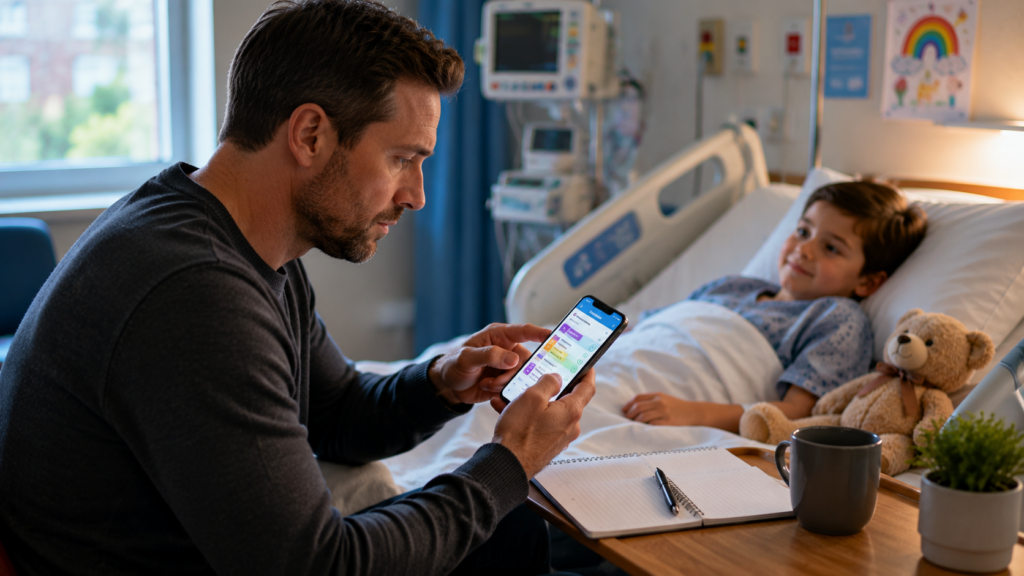
When your child is in hospital, keeping track of information can feel like another full-time job.
There may be medication names and doses, test results, appointments, questions for consultants and updates from different members of the healthcare team. Add interrupted sleep and the emotional strain of having a child in hospital, and remembering everything becomes understandably difficult.
A good medication tracker or medical notes app can take some of that information out of your head and put it somewhere organised.
We’ve rounded up several options worth exploring for UK families, along with some important points to consider before storing health information on your phone.
Important: Apps can help you organise information, but they should not replace instructions from your child’s healthcare team, official medical records or professional medical advice. Always follow the medication instructions provided by the appropriate healthcare professional.
1. NHS App — Best Starting Point for NHS Information
For families in England, the NHS App is a sensible place to start.
Depending on the services available to you and your GP surgery, NHS App features can include viewing parts of your health record, ordering repeat prescriptions and managing appointments.
However, access to a child’s information is different from simply viewing your own record. Parents and carers may need proxy access, and the information and functionality available can depend on the child’s age, GP practice and circumstances.
Best for:
Accessing official NHS services and available health-record information.
Keep in mind:
It isn’t designed primarily as a parent-created journal for recording every conversation during a hospital stay, and NHS App services differ across the UK.
Verdict: ★★★★★ for official NHS information; ★★★☆☆ as an all-purpose hospital organiser.
2. Medisafe — Best for Medication Reminders
Medisafe is built around medication management.
Its core appeal is straightforward: organise medicines and receive reminders when they’re due. Features may vary by device, subscription and version, so check the current UK app listing before relying on a particular feature.
For a family juggling several medications at different times, a dedicated reminder system may be easier than alarms scattered throughout a phone.
Best for:
Medication schedules and reminders.
Why families may like it:
Its focus is medicines rather than trying to be a complete medical-record system.
Keep in mind:
A reminder app does not confirm that a medicine is still appropriate or that the dose entered is correct. Check what you’ve entered against the current prescription or instructions from your child’s healthcare team.
Verdict: ★★★★☆ for medication organisation.
3. MyTherapy — Best All-Round Medication and Health Tracker
MyTherapy combines medication reminders with broader health tracking.
Depending on its current features, families may find tools for recording medicines and other health information useful when trying to notice patterns or keep a more structured record.
This can be particularly helpful when you’re repeatedly asked questions such as when something happened or whether anything changed after a particular point.
Best for:
Families wanting medication reminders alongside general health tracking.
Keep in mind:
The more health information you store in any third-party app, the more important it becomes to understand its privacy arrangements, account security and what happens to your data.
Verdict: ★★★★☆ for families wanting more than basic reminders.
4. Apple Health and Medications — Best for iPhone Users
If you already use an iPhone, you may not need another app for every task.
Apple’s built-in Health app includes medication features on supported devices and software versions, allowing users to create a medication list and schedule reminders.
The attraction is convenience: it is integrated into the device rather than requiring another standalone service.
Best for:
People already using Apple’s health ecosystem.
Keep in mind:
Features are designed around the device user’s health information. Think carefully about whether your own Health profile is the right place to record a child’s medicines, particularly if several family members need access.
Verdict: ★★★★☆ for compatible Apple users.
5. CareClinic — Best for Detailed Personal Health Journaling
CareClinic takes a broader approach to health tracking.
It can be useful for people who want to record multiple aspects of health rather than medications alone. Depending on the current version and plan, that can make it closer to a structured health journal.
For a parent, the appeal may be having one place to organise observations rather than relying on scraps of paper and scattered phone notes.
Best for:
Detailed health journaling and tracking.
Keep in mind:
More functionality can also mean more setup. During an exhausting hospital stay, the “best” system may be the one you can realistically maintain.
Verdict: ★★★★☆ for detailed tracking; potentially more than some families need.
Don’t Overlook a Simple Notes App
Sometimes the best medical-notes app is the one already on your phone.
Apple Notes, Google Keep, OneNote or another familiar note-taking tool can be useful for recording questions and non-sensitive organisational information.
You could keep a simple running structure:
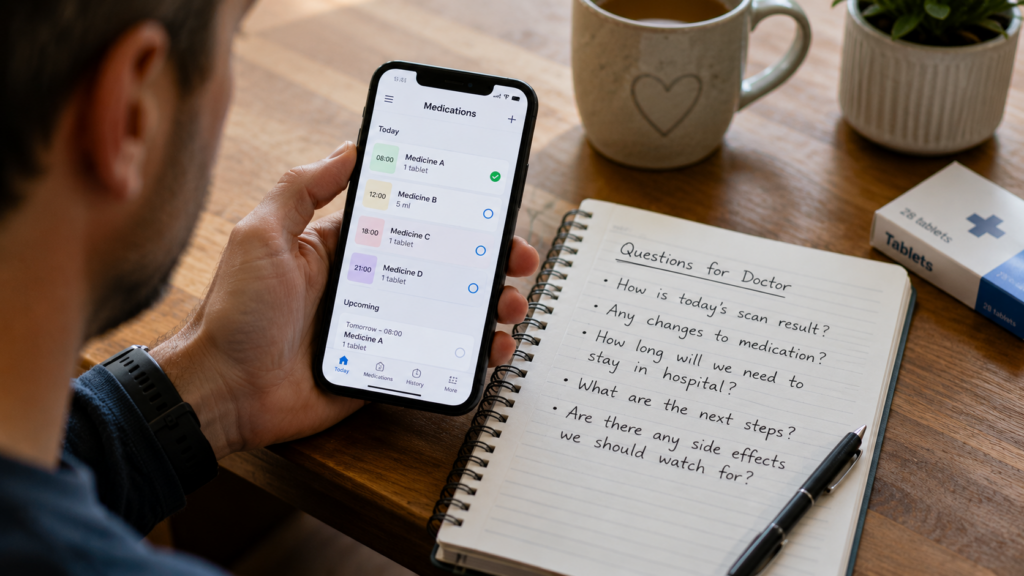
Questions to ask
- What are today’s test results?
- Has anything changed with the medication?
- What needs to happen before discharge?
Today’s update
- Morning conversation
- Tests completed
- Questions for tomorrow
The advantage is speed. When a consultant arrives unexpectedly, you can immediately find your questions.
Be cautious about recording highly sensitive medical information in general-purpose services without understanding their security and privacy settings.
Which App Is Best?
There isn’t one perfect option for every family.
| App | Best For | Ease of Use |
| NHS App | Available NHS records/services | ★★★★☆ |
| Medisafe | Medication reminders | ★★★★☆ |
| MyTherapy | Medicines + health tracking | ★★★★☆ |
| Apple Health | iPhone medication organisation | ★★★★☆ |
| CareClinic | Detailed health journaling | ★★★☆☆ |
| Notes app | Questions and simple notes | ★★★★★ |
Instead of downloading several apps, decide what problem you’re actually trying to solve.
If you’re forgetting medication times, prioritise reminders. If you’re forgetting questions during ward rounds, a simple notes app may be enough. If you need access to official NHS information, investigate the relevant NHS service.
Simple usually beats sophisticated when you’re exhausted.
Protect Your Child’s Medical Information
Health information is sensitive.
Before putting your child’s information into a third-party app, consider:
- What information does the app collect?
- Where is that information stored?
- Can you protect the app or device with a strong passcode or biometrics?
- Can information be exported or deleted?
- Is data shared with other companies?
- What does the privacy policy say?
- Does another parent or carer genuinely need access?
Avoid casually storing photographs of medical paperwork containing addresses, NHS numbers or other identifying information.
If you’re uncertain about sharing information from hospital records or documents, ask an appropriate member of the healthcare team.
Apps Should Support Conversations, Not Replace Them
Digital tools are most useful when they make communication easier.
Before a ward round or appointment, open your notes and identify your most important questions. After speaking to the healthcare team, write down the agreed next steps while they’re still fresh in your mind.
If you aren’t sure you’ve understood something, ask.
You can say:
“Could I check I’ve written that down correctly?”
Never change, stop or administer medication differently solely because of something recorded in an app. Check unclear or conflicting medication information with an appropriate healthcare professional.
Frequently Asked Questions
What is the best app for tracking medication?
For dedicated reminders, apps such as Medisafe and MyTherapy are worth comparing. Apple users may also have medication functionality within the Health app. The best choice depends on your device and what features you need.
Can parents access their child’s records through the NHS App?
In England, parents or carers may be able to access services on behalf of another person through proxy access. What is available depends on circumstances, age and the GP surgery. Check current NHS guidance.
Should I record every conversation with doctors?
Written notes can be useful, but audio recording raises additional privacy and practical considerations. If you want to record a consultation, discuss it with the healthcare professional first.
Is it safe to store medical information on my phone?
No digital storage method is entirely risk-free. Use device security features and understand an app’s privacy practices before entering sensitive health information.
Can an app tell me whether my child’s medication is correct?
A medication app can organise information and reminders, but medication decisions should come from qualified healthcare professionals.
Finding a System That Makes Hospital Life Easier
When your child is in hospital, you don’t need another complicated system to maintain.
The right tool should make things simpler.
For one family, that might mean medication reminders. For another, it could be the NHS App plus a short list of questions in their phone. Someone else may benefit from a more detailed health journal.
Start with the problem you most need to solve, choose the simplest tool that addresses it, and keep important medical decisions where they belong—with your child’s healthcare team.
If an app saves you from remembering just one more thing on an already overwhelming day, it may already be doing its job.